Terms of Service & Privacy Policy
Please read and accept the following before downloading.
Drive Browser — Terms of Service, License Agreement & Privacy Policy
Last Updated: February 24, 2026
1. Acceptance of Terms
By downloading, installing, accessing, or using Drive Browser ("Software"), you agree to be bound by these Terms. If you do not agree, do not use the Software.
2. License Grant
Drive Browser grants you a limited, non-exclusive, non-transferable, revocable license to install and use the Software for personal or commercial use, subject to these Terms.
You are purchasing a license to use the Software — not ownership of the Software itself.
3. Trial Period
Drive Browser includes a 14-day free trial beginning from the date of first launch. No credit card is required during the trial. After the trial expires, a license key purchased from drivebrowser.com is required to continue using the Software.
4. Restrictions
You may not:
- Reverse engineer, decompile, or disassemble the Software
- Redistribute, resell, sublicense, or share license keys
- Modify or create derivative works
- Use the Software for unlawful purposes
5. Software Functionality & User Responsibility
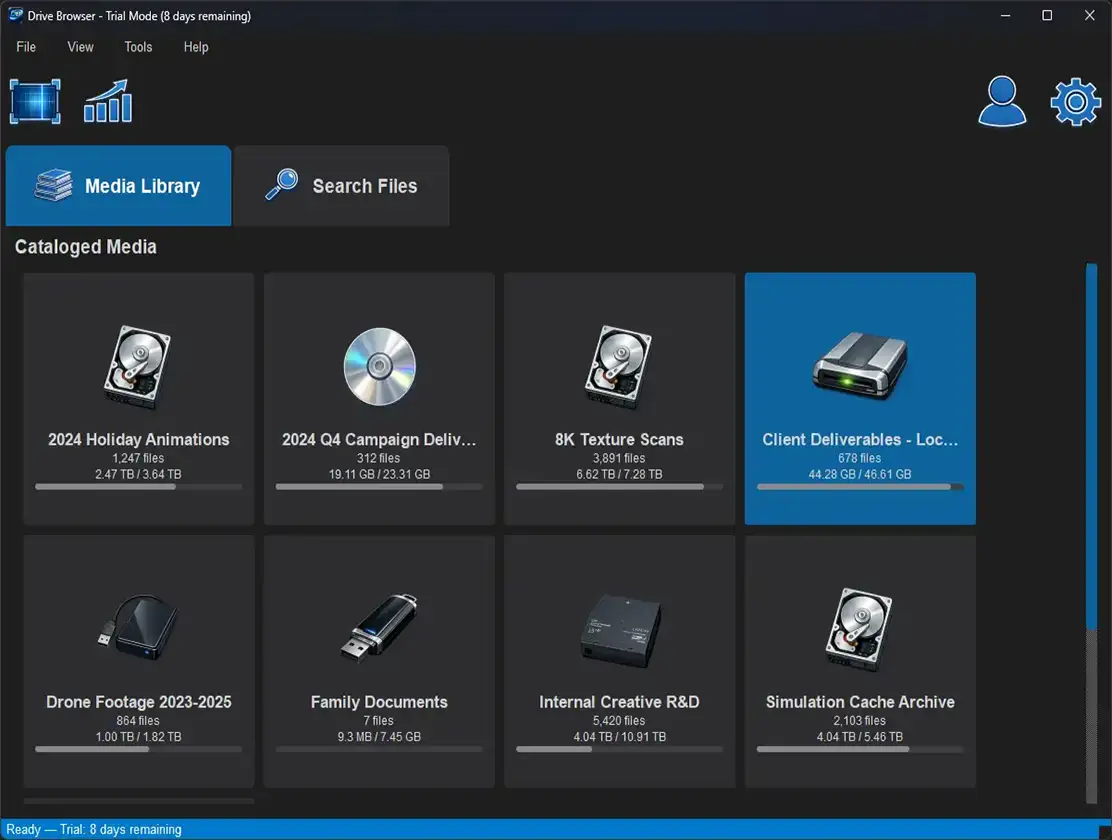
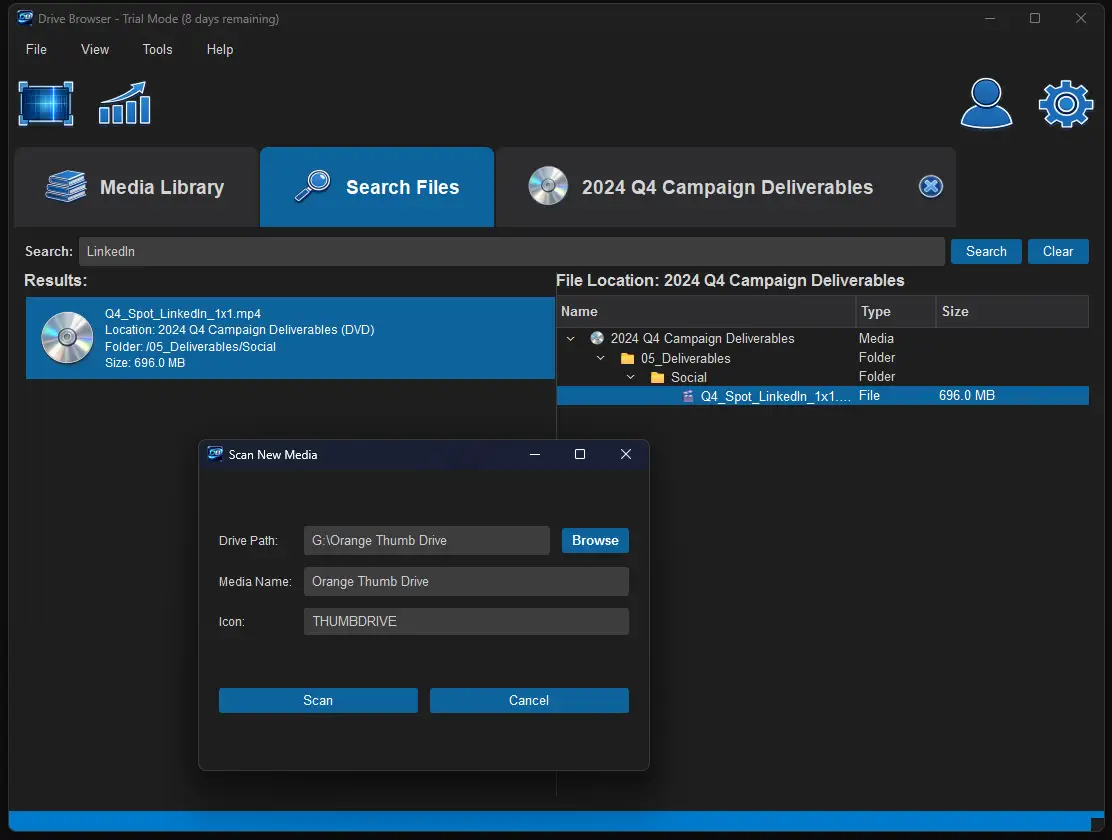
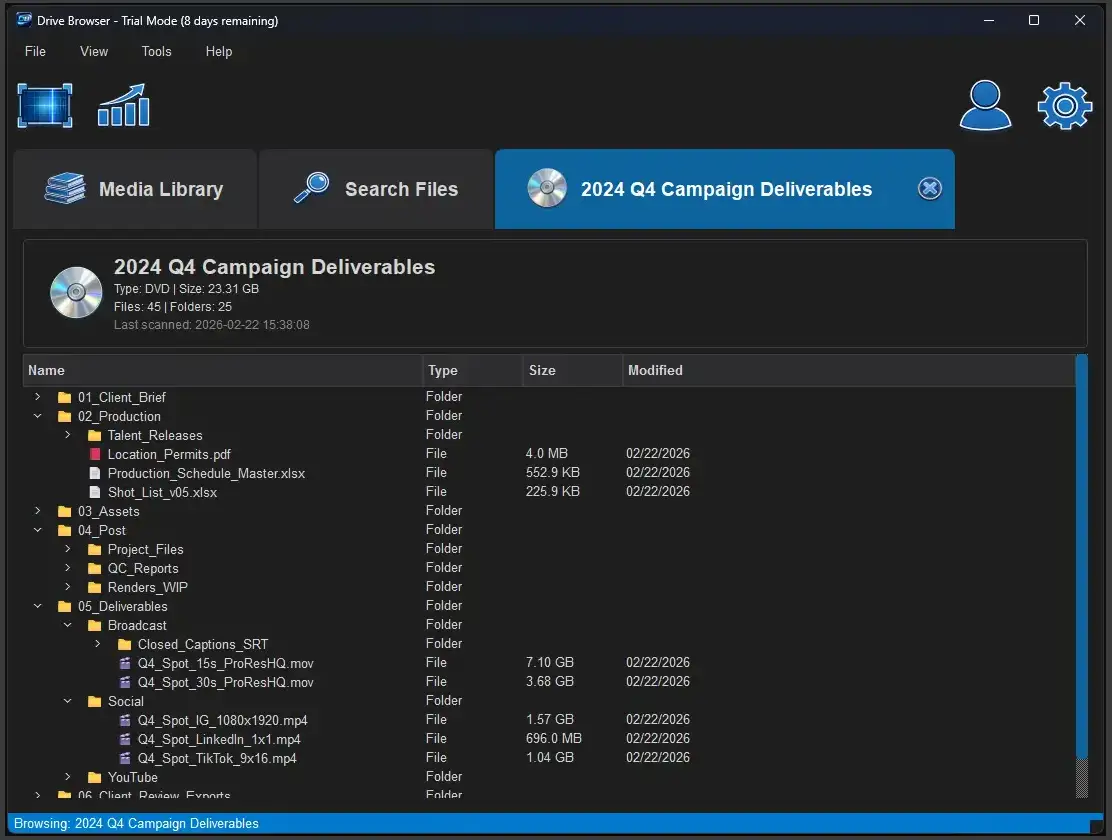
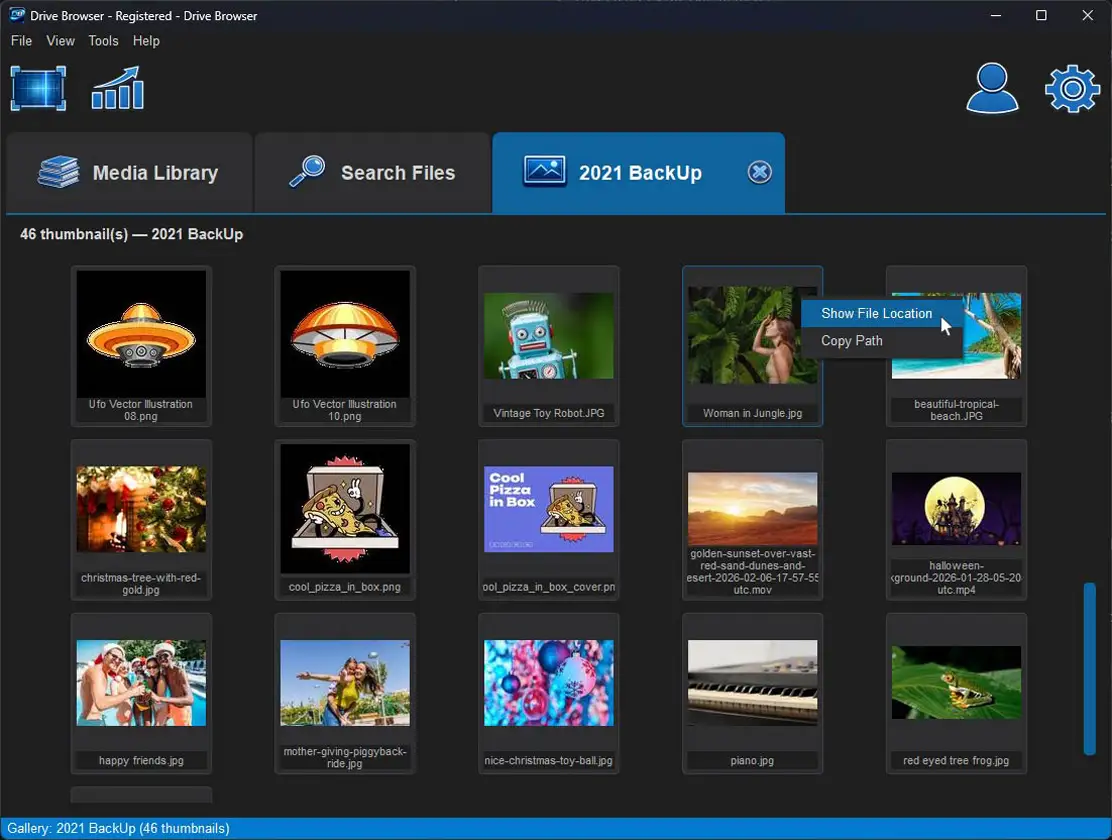
Drive Browser scans and catalogs storage devices and displays file metadata and directory structure information.
Drive Browser:
- Does not intentionally modify, delete, move, or overwrite user files
- Does not transmit user file contents to external servers
- Operates locally on the user's machine
You are solely responsible for:
- Maintaining backups of your data
- Verifying drive integrity
- Safe handling of storage devices
6. Intellectual Property
Drive Browser and all associated intellectual property — including the software, interface, icons, and documentation — are the exclusive property of Drive Browser. All rights not expressly granted herein are reserved.
7. Data & Privacy
What We Collect
Drive Browser may collect:
- Email address (for account/license management)
- Payment information (processed securely via third-party payment providers)
- Basic license validation data
Drive Browser does not:
- Upload or store your files
- Access file contents beyond metadata needed for indexing
- Sell user data
All file scanning occurs locally on your device.
8. Third-Party Services
Payments may be processed through services such as PayPal or Stripe. Their privacy policies govern payment data handling. Drive Browser is not responsible for third-party service disruptions.
9. Disclaimer of Warranties
The Software is provided "AS IS" and "AS AVAILABLE" without warranties of any kind, express or implied. Drive Browser makes no warranties regarding:
- Accuracy of file indexing
- Compatibility with all devices
- Uninterrupted or error-free operation
- Prevention of data loss
10. Limitation of Liability
To the fullest extent permitted by law, Drive Browser, its creator, affiliates, or representatives shall not be liable for:
- Data loss
- Drive corruption
- Hardware failure
- Lost profits
- Business interruption
- Indirect, incidental, or consequential damages
Total liability, if any, shall not exceed the amount paid for the Software license.
11. Refund Policy
Refunds may be granted at the sole discretion of Drive Browser within 14 days of purchase. Contact support with your order ID to request a refund.
12. Updates & Modifications
Drive Browser may release updates, patches, or feature modifications at any time. We reserve the right to modify these Terms. Continued use after updates constitutes acceptance.
13. Termination
This license may be terminated if you violate these Terms. Upon termination, you must uninstall the Software and destroy all copies in your possession.
14. Governing Law
These Terms shall be governed by the laws of the State of Florida, United States, without regard to conflict of law principles. Any disputes shall be resolved in the courts located in Florida.
15. Contact Information
For support or legal inquiries:
InfernoVFX, Inc.
support@drivebrowser.com
drivebrowser.com
Privacy Policy — Summary
Drive Browser is a locally operated desktop application.
- We do not collect, store, analyze, or transmit user file contents.
- Any personal information provided (such as email address) is used solely for license management, support communication, and account verification.
- We do not sell or share user data with third parties.